Discover 10 useful AI tools for students to improve research, note-taking, writing, revision, and exam preparation.
TL;DR
- Best AI Tools for Students: ChatGPT, Google Gemini, Perplexity AI, NotebookLM, and Grammarly can support learning, research, note-taking, and academic writing.
- Understand Difficult Concepts: Use AI tutors to simplify complex subjects and explain challenging topics.
- Improve Research and Writing: Discover academic sources, organize information, and refine your writing.
- Study and Prepare for Exams: Generate practice questions, create flashcards, and use active recall to improve memory.
- Manage Academic Work: Create study schedules, organize assignments, track deadlines, and stay productive.
Artificial intelligence is changing how students research, revise, and manage academic work.
A 2025 Chegg Global Student Survey found that 56% of university students use generative AI to understand subjects, 52% for research, and 36% for exam preparation. These figures show how AI is becoming part of modern education.
AI tools can simplify difficult concepts, organize notes, generate practice questions, and support research. However, they should complement, not replace, teachers, careful reading, and independent thinking. This guide explores 10 useful AI tools and practical ways students can use them to study smarter and learn more effectively.
Table of Contents
What Are AI Tools for Students?
AI tools for students are software applications that use artificial intelligence to support learning and academic activities.
They can explain difficult topics, summarize reading materials, help find research papers, improve writing, and generate practice questions.
Common categories include:
- AI tutors: Explain concepts and guide students through problems.
- Research assistants: Help discover and analyze academic sources.
- Note-taking tools: Organize lecture notes and learning materials.
- Writing assistants: Improve grammar, clarity, and sentence structure.
- Revision tools: Generate flashcards, quizzes, and practice exercises.
- Productivity tools: Help manage assignments, schedules, and deadlines.
The right application depends on what a student wants to accomplish.
10 Ways Students Can Use AI to Study Smarter
Knowing the available tools is only the beginning. The real value comes from using them to improve everyday learning habits.
Understand Difficult Academic Concepts
AI tutors can explain unfamiliar theories, technical terms, and complicated processes in simpler language.
For example, a biology student struggling with cellular respiration can ask ChatGPT to explain each stage using a simple example before exploring the technical details.
Students can ask AI to:
- Break complex topics into smaller steps.
- Explain unfamiliar terminology.
- Provide practical examples.
- Generate follow-up questions.
Use these explanations alongside textbooks and course materials to check accuracy.
Discover Academic Research Sources
Research assistants can help students explore topics and identify relevant scholarly publications.
For example, a student researching renewable energy can use Elicit to discover related studies and compare their findings.
AI can help with:
- Developing research questions.
- Discovering relevant publications.
- Identifying recurring research themes.
- Comparing different perspectives.
Always check original papers before citing them. An AI-generated reference is not proof that a publication exists.
Organize Lecture Notes
Keeping track of lectures and reading materials can become difficult when several subjects demand attention.
AI note-taking tools can help convert permitted recordings into transcripts and organize information into searchable notes.
Students can use them to:
- Transcribe lectures.
- Summarize learning materials.
- Extract important definitions.
- Organize notes by subject.
Review the original material to correct transcription errors and avoid losing important context.
Create a Personalized Study Schedule
AI productivity assistants can help students plan around lectures, assignments, and examination dates.
Provide your available study hours, subjects, and deadlines. Then ask an AI assistant to organize them into a realistic weekly schedule.
Use the schedule to prioritize difficult subjects, divide large assignments into smaller tasks, and track your progress.
Generate Practice Questions for Examinations
Reading notes is important, but students also need to test what they remember.
AI tools can generate multiple-choice questions, short-answer exercises, and essay prompts from learning materials.
For example, a history student can upload revision notes and request 15 questions covering important events and concepts.
Answer the questions before checking the solutions. This helps reveal knowledge gaps that rereading alone might not expose.
Improve Academic Writing
Writing assistants can help students identify grammar mistakes, improve sentence clarity, and organize their ideas.
Useful applications include:
- Checking spelling and grammar.
- Improving sentence structure.
- Reviewing paragraph transitions.
- Identifying repetitive expressions.
Use AI to improve your own drafts rather than allowing it to replace your thinking and original arguments.
Summarize Long Academic Readings
Research papers and textbooks can contain more information than students can comfortably review in one sitting.
AI summarization tools can help identify central arguments, important findings, and key definitions.
However, summaries should be a starting point, not a replacement for reading. Always consult the original source before using its findings in an assignment.
Improve Memory Through Active Recall and Spaced Repetition
Remembering information requires more than reading it repeatedly.
Two useful learning techniques are:
- Active recall: Trying to remember information without looking at your notes.
- Spaced repetition: Reviewing information at gradually increasing intervals.
Students can use Quizlet to create flashcards and schedule regular revision sessions.
For example, a student studying anatomy can use question-and-answer cards to practice remembering important structures.
Get Feedback on Practice Exercises
AI assistants can help students understand mistakes in practice questions and calculations.
Instead of asking only for the correct answer, ask the tool to identify where your reasoning went wrong.
For example:
“Review my solution, identify the first incorrect step, and explain why it is wrong without solving the entire problem for me.”
This encourages problem-solving rather than simply copying answers.
Manage Assignments and Group Projects
AI productivity tools can help students organize academic responsibilities and collaborative projects.
They can assist with:
- Creating assignment timelines.
- Dividing projects into smaller tasks.
- Preparing meeting summaries.
- Organizing presentation outlines.
- Tracking project deadlines.
For group assignments, make sure every member understands their responsibilities and checks the accuracy of shared information.
Best AI Tools for Students
Here are 10 useful AI applications and what students can do with them.
ChatGPT: Best for AI Tutoring and Study Assistance
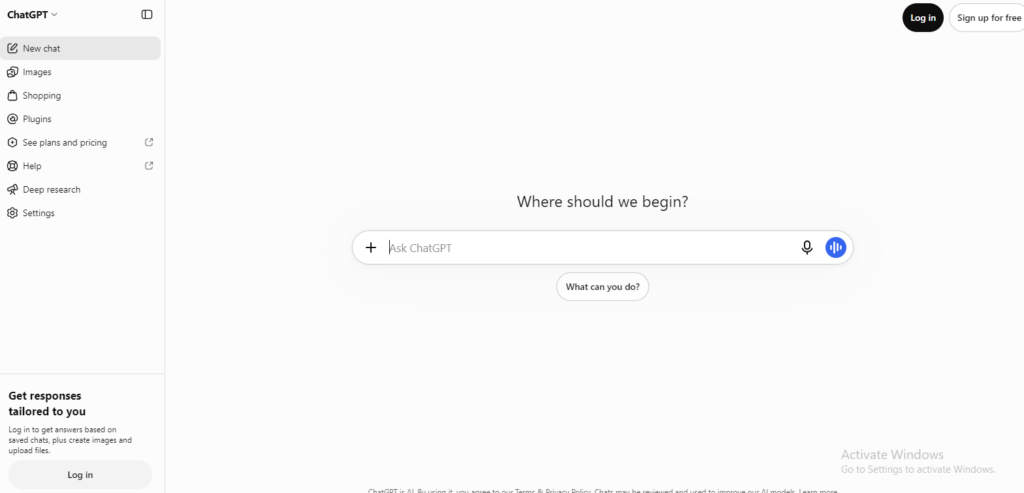
ChatGPT is an AI assistant that helps students understand concepts, solve problems, brainstorm ideas, and explore unfamiliar subjects.
Its Study Mode can guide students through topics using questions, explanations, and step-by-step learning.
Key features:
- Guided learning through Study Mode.
- Summarization of academic materials.
- Practice questions and flashcards.
- Step-by-step problem-solving assistance.
- Research brainstorming and outlining.
How to use it: Ask ChatGPT to explain a difficult topic, review lecture notes, or create practice questions based on your course materials.
Pricing: Free access is available, with additional capabilities and usage limits on paid plans.
Google Gemini: Best for Personalized Learning
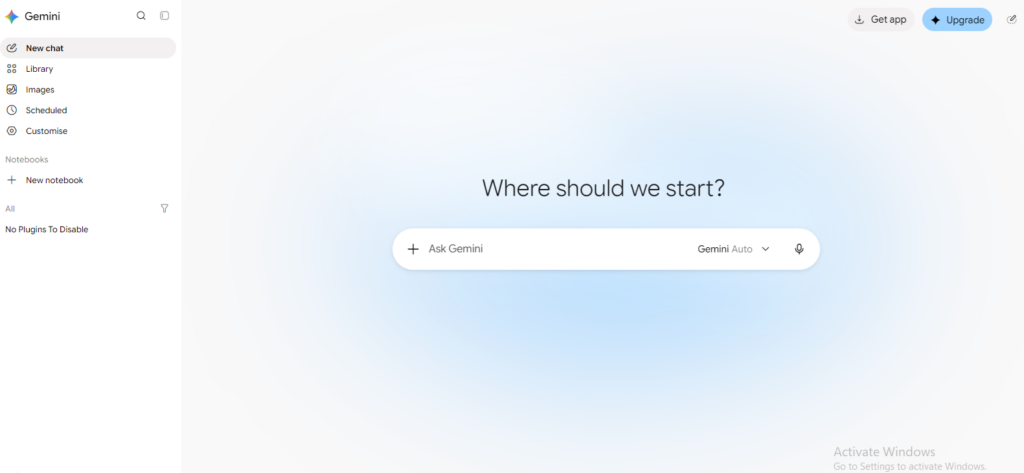
Google Gemini is an AI assistant that supports research, problem-solving, and personalized learning.
Students can use it to explore unfamiliar topics, work with learning materials, and create revision resources.
Key features:
- Guided explanations.
- Study notebooks and learning materials.
- Personalized quizzes.
- Interactive visualizations.
- Writing and brainstorming assistance.
How to use it: Upload relevant course materials, ask questions about difficult topics, and generate quizzes to test your understanding.
Pricing: Free access is available, with additional features through paid Google AI plans. Availability may vary by location.
Perplexity AI: Best for Research and Information Discovery
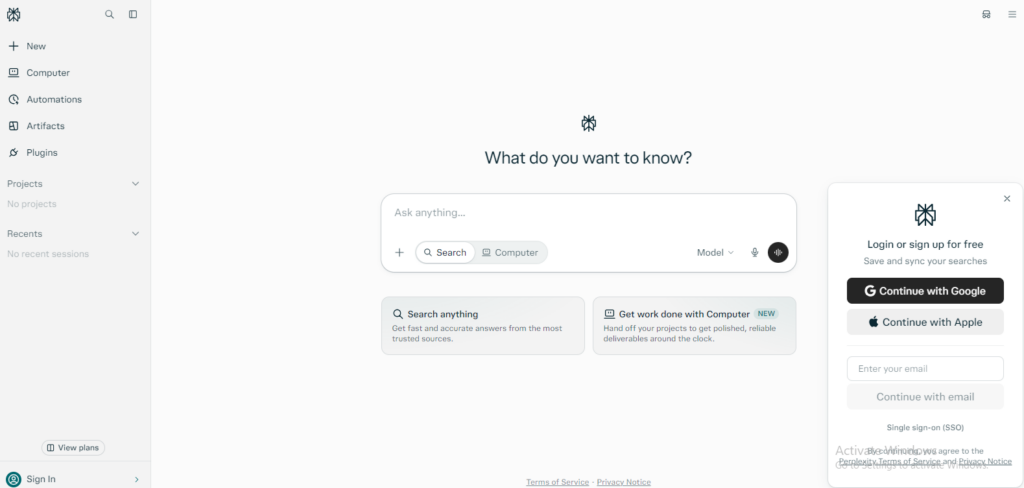
Perplexity AI is an AI-powered search tool that helps students explore topics and discover information from online sources.
It provides summarized responses with citations that readers can follow to examine the original material.
Key features:
- Conversational search.
- Source citations.
- Follow-up research questions.
- File analysis.
- Research and information discovery.
How to use it: Explore a research topic, identify relevant sources, and investigate different perspectives before developing your academic arguments.
Pricing: A free plan is available. Paid plans offer additional research capabilities and higher usage limits.
NotebookLM: Best for Understanding Study Materials
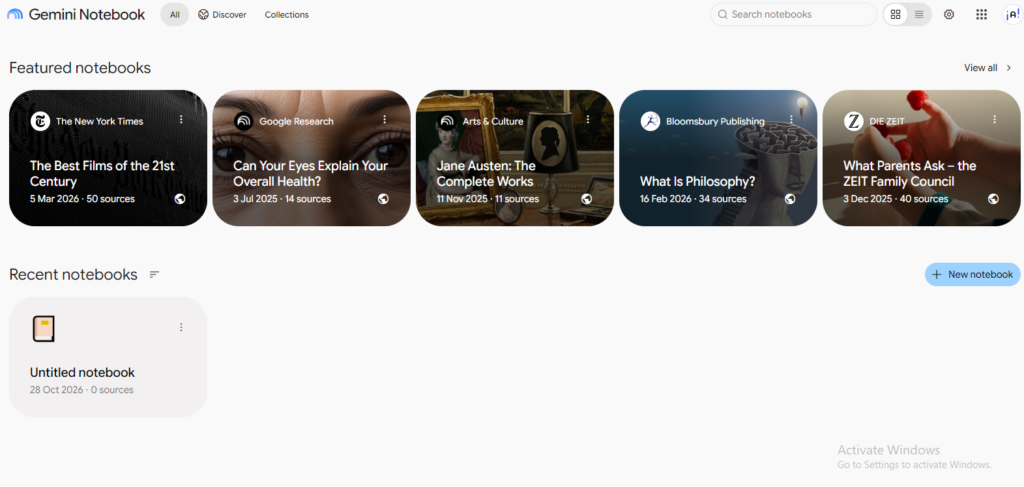
NotebookLM is an AI research assistant that helps students understand information from their own documents.
Students can add supported sources, such as PDFs, lecture notes, and other learning materials, then ask questions about their contents.
Key features:
- Document summaries.
- Answers grounded in uploaded sources.
- Source-based research assistance.
- Study guides and learning resources.
- Audio Overviews.
How to use it: Create a notebook for each subject, upload relevant learning materials, and ask questions to review important concepts.
Pricing: A free version is available, with additional features and usage limits through eligible paid plans.
Grammarly: Best for Academic Writing
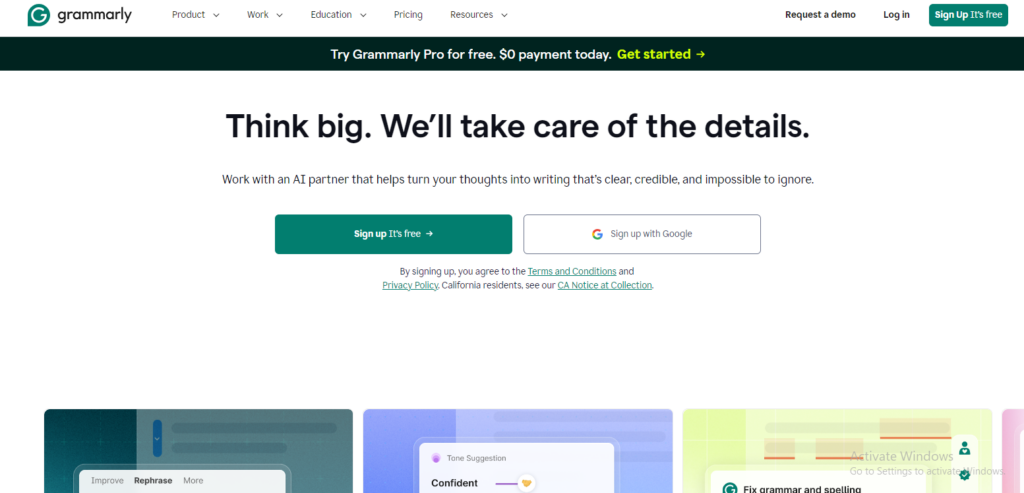
Grammarly is an AI-powered writing assistant that helps students improve grammar, spelling, clarity, and readability.
It is useful when preparing essays, reports, and research papers.
Key features:
- Grammar and spelling corrections.
- Sentence clarity suggestions.
- Writing tone recommendations.
- Sentence rewriting.
- AI writing assistance.
How to use it: Review your academic drafts before submission to identify errors and improve sentence structure.
Pricing: A free plan offers basic writing assistance, while paid plans provide additional features.
QuillBot: Best for Paraphrasing and Writing Refinement
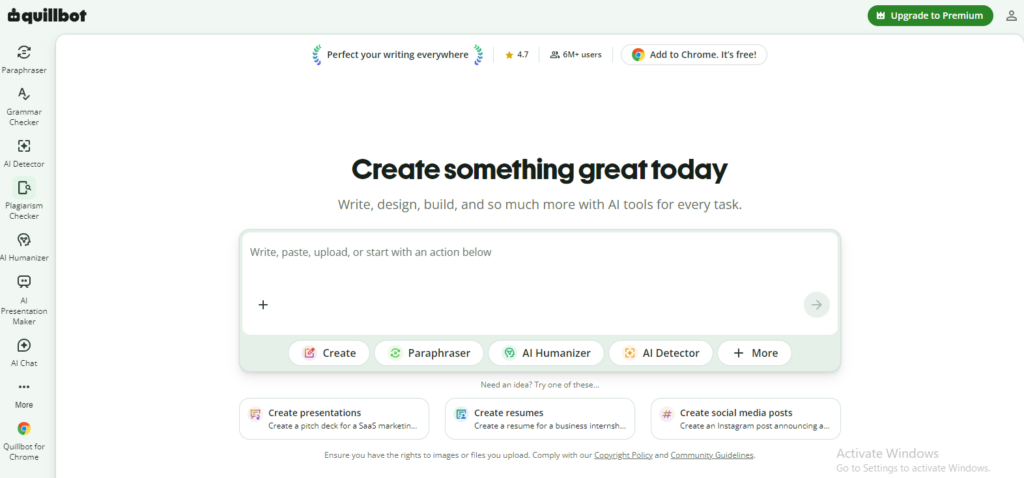
QuillBot helps students improve sentence structure, paraphrase their own writing, and summarize information.
Key features:
- Paraphrasing.
- Grammar checking.
- Text summarization.
- Sentence restructuring.
- Plagiarism checking on supported plans.
How to use it: Refine your drafts, improve sentence flow, and summarize reading materials.
Remember that paraphrasing does not remove the need to acknowledge original sources. Always follow the required referencing style.
Pricing: Free access is available with limitations. More features are offered through paid plans.
Elicit: Best for Academic Research
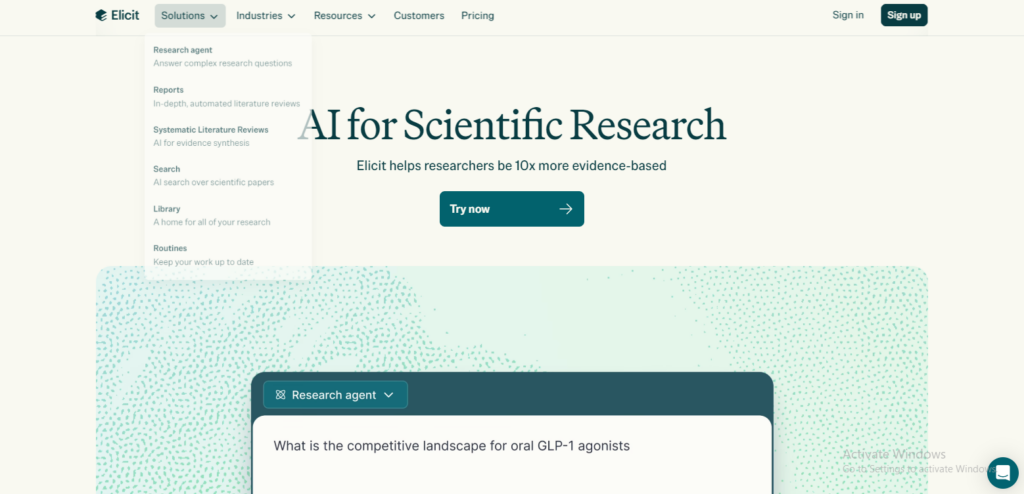
Elicit is an AI research assistant designed to help users discover and analyze scholarly publications.
It is particularly useful for students preparing research projects and literature reviews.
Key features:
- Academic paper discovery.
- Research paper summaries.
- Information extraction.
- Comparison of study findings.
- Literature review support.
How to use it: Search for publications related to your research question, compare relevant studies, and organize findings before writing your literature review.
Pricing: A free entry-level plan is available, with additional research capabilities on paid plans.
Quizlet: Best for Flashcards and Exam Preparation
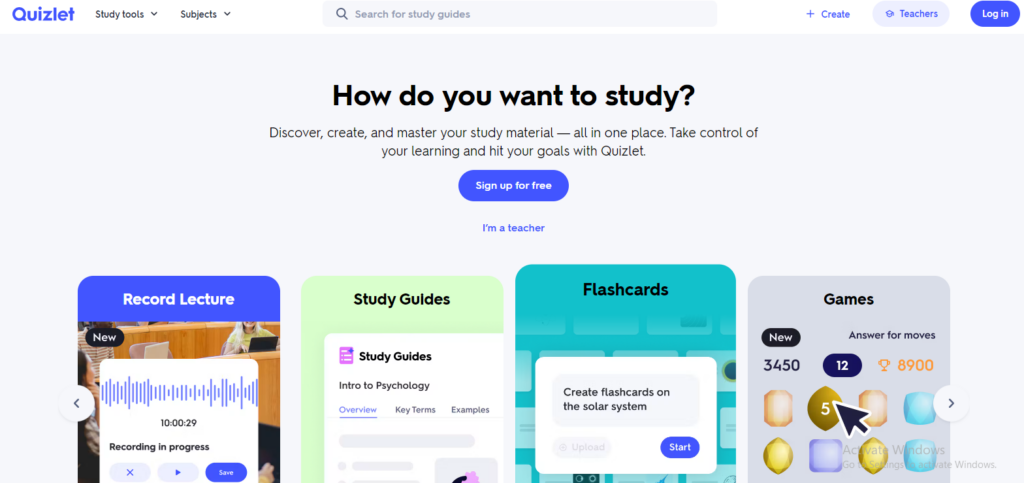
Quizlet is a learning platform that helps students memorize information through flashcards, practice tests, and interactive study activities.
Key features:
- Digital flashcards.
- Practice tests.
- Study guides.
- Revision activities.
- AI-assisted study materials.
How to use it: Turn lecture notes and important definitions into flashcards, then test yourself regularly.
Pricing: Free features are available, while advanced study tools require eligible subscriptions.
Which AI Tool Should You Choose?
You do not need all 10 tools. Start with applications that solve your immediate academic challenges.
| Your learning need | Recommended tools |
| Understanding difficult subjects | ChatGPT, Gemini |
| Academic research | Perplexity, Elicit |
| Organizing study materials | NotebookLM, |
| Writing and editing | Grammarly, QuillBot |
| Exam preparation | Quizlet |
Before subscribing to any platform, compare its current features, usage limits, privacy terms, and pricing.
Benefits of Using AI Tools for Students
When used thoughtfully, AI applications can support several aspects of academic life.
- Personalized learning: Get explanations suited to your knowledge level.
- Better productivity: Organize academic tasks more efficiently.
- Research support: Discover relevant information and publications.
- Time management: Plan study sessions and track deadlines.
- Writing improvement: Identify errors and improve clarity.
- Exam preparation: Create quizzes and revision materials.
- Accessibility: Access additional learning support when needed.
- Independent learning: Explore subjects beyond classroom discussions.
These benefits depend on how students use the tools. AI cannot guarantee better grades or replace consistent academic effort.
Challenges and Limitations of AI in Education
AI can support learning, but students should understand its limitations.
- Inaccurate Information: AI tools can generate incorrect facts, misleading explanations, or fabricated references. Always verify important information using reliable sources.
- Overdependence: Relying on AI for every assignment can reduce opportunities to develop independent reasoning and problem-solving skills.
- Academic Integrity: Submitting AI-generated work as your own may violate institutional rules. Understand your school’s requirements before using AI for assignments.
- Data Privacy: Uploading personal records, unpublished research, or confidential academic information can create privacy risks. Review platform policies before sharing sensitive materials.
- Weak Critical Thinking: Accepting AI responses without questioning them can discourage independent analysis. Compare explanations, examine evidence, and develop your own conclusions.
- Limited Understanding of Context: AI may misunderstand specialized terminology, complex arguments, or subject-specific requirements. Consult lecturers and original academic sources when additional context is needed.
How to Use AI Tools Responsibly as a Student
Good AI use starts with knowing where assistance is appropriate.
Follow these five practices:
Maintain Academic Integrity
Use AI for explanations, brainstorming, and feedback. Make sure submitted work follows your institution’s rules and reflects your own understanding.
Verify Information
Check important facts, statistics, and references against credible sources. Read original research before citing it.
Protect Your Privacy
Avoid uploading passwords, identification documents, confidential records, or unpublished work without permission.
Follow Your Institution’s AI Policy
Check whether AI assistance is permitted for assignments, examinations, and research. Disclose its use when required.
Think Independently
Attempt problems before requesting AI assistance. Ask for hints and explanations rather than immediately requesting complete answers.
The goal is to become a better learner, not a more dependent AI user.
How to Choose the Right AI Tools for Your Academic Needs
Before adopting an AI application, consider these six factors:
- Purpose: Does it solve a specific learning problem?
- Accuracy: Can you verify the information it provides?
- Ease of use: Is it simple enough to fit into your study routine?
- Cost: Are its free features sufficient for your needs?
- Privacy: How does it handle uploaded information?
- Compatibility: Does it work with your devices and learning materials?
Start with one or two tools. Evaluate whether they genuinely improve your learning before adding more applications.
Improve Your Learning Experience with Alkademy
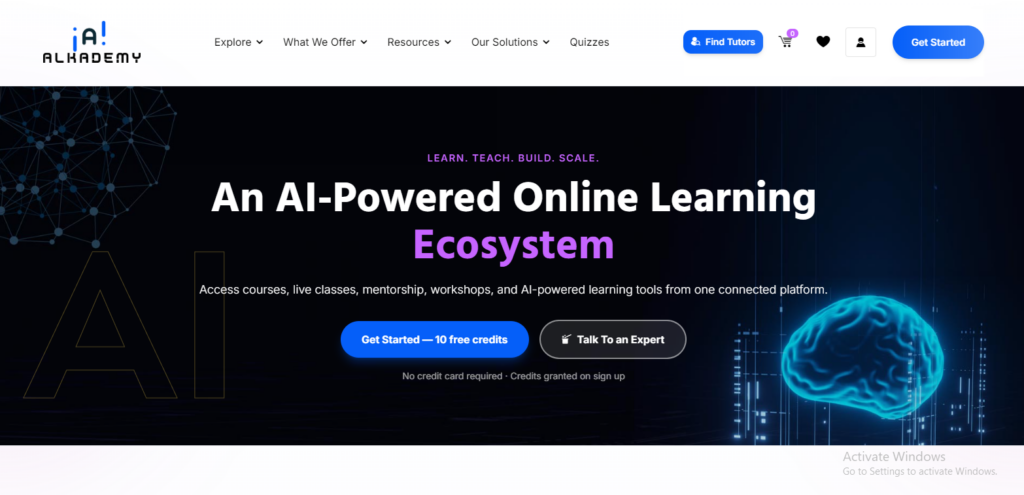
Finding useful AI tools is a good start, but developing the skills to use technology effectively is just as important.
Alkademy brings learning resources, assessments, and interactive educational experiences together to support students and other learners.
Build Your AI Knowledge with Alkademy’s Free AI Courses
Understanding AI goes beyond knowing which applications to use. Students also need to understand its concepts, applications, and practical uses.
Explore Alkademy’s Free AI Courses to discover learning opportunities that can help you develop your knowledge of artificial intelligence.
Test Your Knowledge with Alkademy QuizHub
Regular practice helps students identify what they understand and what needs more attention.
Alkademy QuizHub provides an assessment platform where learners can engage with quizzes and evaluate their knowledge.
Learn Through Alkademy Live Classes
Some topics become easier to understand when you can ask questions and interact with an instructor.
Alkademy Live Classes offer opportunities to participate in instructor-led learning sessions and discussions.
Combining self-paced learning, regular assessments, and live instruction can create a more structured learning experience.
For more insight into Alkademy’s learning opportunities, read our guide to AI courses and live classes at Alkademy.
FAQs
What are the best AI tools for students?
Some useful options include ChatGPT for learning assistance, NotebookLM for understanding study materials, Perplexity for information discovery, Grammarly for writing, and Quizlet for revision. The best choice depends on your academic needs.
Can AI tools improve academic performance?
AI tools can support learning by explaining difficult concepts, organizing study materials, and creating practice questions. However, academic performance also depends on consistent revision, independent thinking, and effective study habits.
Are AI tools allowed for academic assignments?
That depends on your institution’s academic integrity policy and assignment requirements. Check the rules and disclose AI assistance when required.
Are there free AI tools for students?
Yes. ChatGPT, Gemini, Perplexity, NotebookLM, Grammarly, and several other platforms offer free access or limited free features. Check their current terms and usage limits.
Can AI replace teachers?
No. AI can provide additional explanations and learning support, but teachers offer guidance, subject expertise, feedback, and human interaction that AI cannot fully replace.
Final Thoughts
AI tools can make studying, research, and exam preparation easier, but how you use them matters. Choose tools that meet your learning needs, verify their responses, and use them to strengthen your understanding rather than replace independent thinking.
With the right approach, AI can help you build better study habits and become a more confident learner.
Explore Alkademy to access practical courses, interactive assessments, and live learning opportunities that help you develop valuable knowledge and skills for the future.