
Discover the best DocuWare alternatives for smart document management. Compare five solutions and explore AI-powered document archiving with Alkademy Dox.
TL;DR
- Alkademy Dox: Best for AI-powered document archiving, intelligent search, and information retrieval.
- Revver: Best for AI-powered document management and workflow automation.
- Laserfiche: Best for enterprise document management and business process automation.
- Microsoft SharePoint: Best for document collaboration and Microsoft 365 integration.
- Box: Best for cloud-based document management and team collaboration.
Managing documents isn’t just about saving files in folders.
As an organisation grows, so does its collection of contracts, reports, meeting minutes, and other important records. Before long, finding a particular document or tracking down specific information can take more time than it should.
DocuWare helps businesses manage digital documents and automate everyday processes, but it may not meet every organisation’s needs. Some businesses may want more flexibility in how they store their records, a simpler way to manage document archives, or smarter tools for finding information within large collections of files.
Exploring DocuWare alternatives allows organisations to find solutions that better match their document storage, archiving, search, and retrieval requirements.
In this guide, we’ll compare five alternatives, including Alkademy Dox, which helps organisations organise, search, and retrieve archived documents using AI.
Table of Contents
What Is DocuWare?
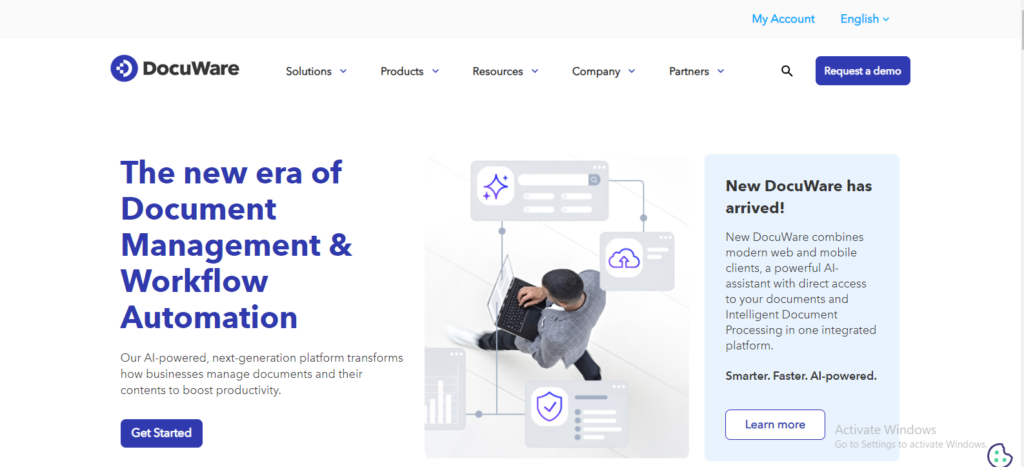
DocuWare is a document management and workflow automation platform that helps organisations digitise, store, organise, and manage business documents.
It provides tools for capturing information, indexing files, managing records, and automating document-related processes.
Some of its key capabilities include:
- Document capture and indexing: Digitise documents and organise them for easier access.
- Document storage: Store business records in centralised digital repositories.
- Workflow automation: Automate document approval processes and repetitive administrative tasks.
- Document search: Locate files and information using search and indexing capabilities.
- Access management: Control who can access and work with specific documents.
DocuWare is particularly useful for organisations looking to reduce paper-based processes, streamline administrative workflows, and manage business information digitally.
However, organisations have different document management priorities. While some require extensive workflow automation, others may prioritise document archiving, flexible storage, and intelligent information retrieval.
Top DocuWare Alternatives Compared
Here’s a quick comparison of the top five DocuWare alternatives and their main strengths.
| Software | Best For | AI Capabilities | Document Management Approach | Storage |
| Alkademy Dox | AI-powered archiving and retrieval | Question answering with source-page references | Searchable document libraries | Local server or Amazon S3 |
| Revver | AI-powered document management | AI extraction and document summaries | Centralised document management and workflows | Cloud |
| Laserfiche | Enterprise management and automation | AI extraction, classification, and document chat | Centralised repository and workflows | Cloud and on-premises options |
| Microsoft SharePoint | Team collaboration | Microsoft 365 AI capabilities | Document libraries and collaboration | Microsoft cloud or supported on-premises deployments |
| Box | Cloud document collaboration | Box AI | Cloud content management | Cloud |
Best DocuWare Alternatives for Smart Document Management
If you’re considering moving away from DocuWare or exploring other ways to manage organisational documents, several platforms are worth considering. Each offers a different approach, from AI-powered document retrieval to enterprise content management and team collaboration.
Here are five alternatives to consider.
Alkademy Dox: Best for AI-Powered Document Archiving and Retrieval
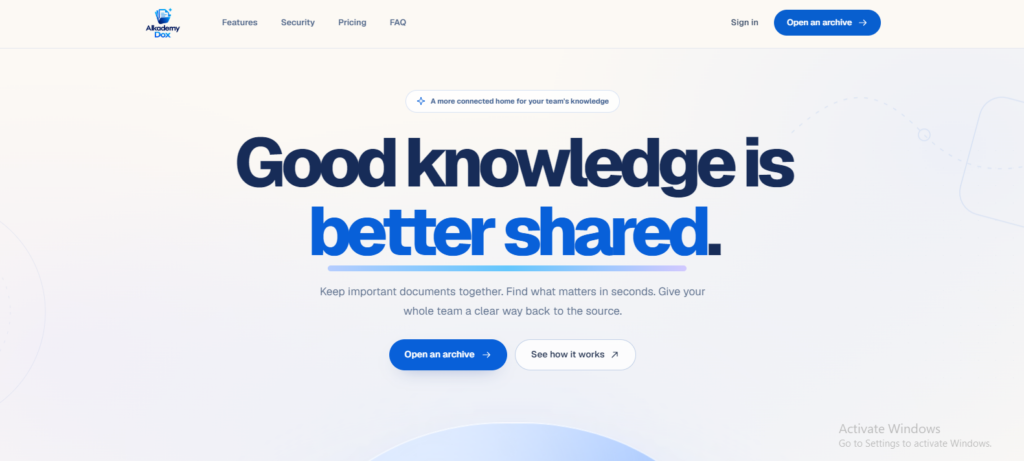
Alkademy Dox is an AI-powered document archiving and retrieval solution designed to help organisations organise records and access information more efficiently.
Rather than simply storing files, it makes their contents searchable and allows users to ask questions about archived documents.
Its key capabilities include:
- Organised document libraries: Store and manage records in named libraries for easier organisation and access.
- Searchable document contents: Search extracted text across supported PDF, Word, plain text, and Markdown documents.
- AI-powered question answering: Ask questions about archived documents and receive answers that reference the relevant document and page.
- Document version history: Retain earlier versions when updated documents are uploaded.
- Flexible storage: Store documents on your organisation’s local server or in an Amazon S3 bucket.
- Role-based access and audit trails: Manage organisational permissions and track activities such as uploads, deletions, version changes, and membership updates.
One useful feature is its question-answering capability. Instead of opening several documents to find a particular detail, users can ask a question and receive an answer with a reference to its source page.
Alkademy Dox is particularly suitable for records offices, board secretariats, legal teams, research groups, and organisations that manage large collections of internal documents.
For businesses prioritising document archiving, searchable records, and AI-assisted information retrieval, Alkademy Dox offers a practical alternative to consider.
You can also explore how it works as a smart document management system, with features designed to simplify document organisation, search, and retrieval.
Revver: Best for AI-Powered Document Management and Workflow Automation
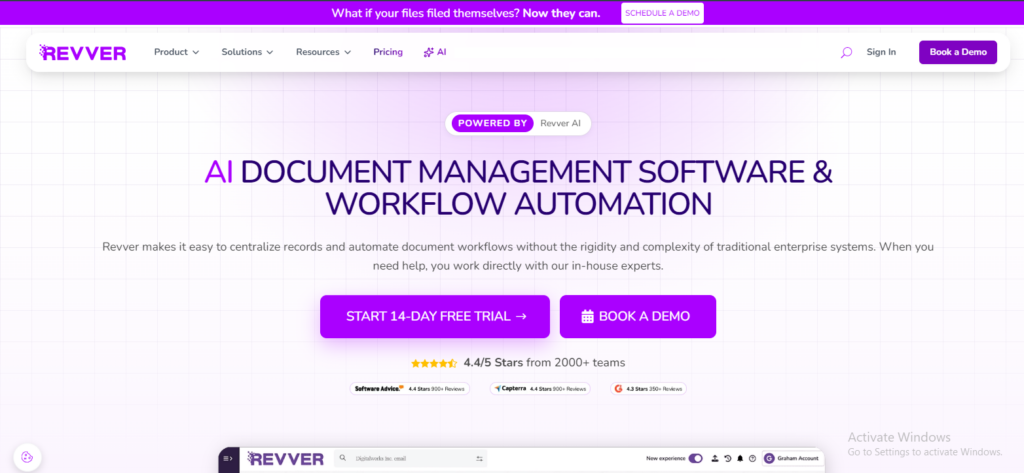
Revver is a document management platform that helps organisations organise, search, and manage business records while automating document-related processes.
It combines centralised document storage with AI-powered tools for extracting information and generating document summaries.
Its key capabilities include:
- AI-powered data extraction: Extract important information and metadata from documents automatically.
- Document search: Find files using full-text, OCR, and metadata-based search.
- AI document summaries: Generate summaries to understand document contents more quickly.
- Workflow automation: Automate document routing, approvals, and repetitive administrative tasks.
- Document organisation: Maintain structured folders and consistent filing systems.
- Access management: Control document permissions and manage secure sharing.
Revver is particularly useful for businesses handling large volumes of documents that require frequent processing, review, and approval.
It is worth considering if your organisation wants to combine AI-assisted document processing with automated workflows and centralised document management.
Laserfiche: Best for Enterprise Document Management and Workflow Automation
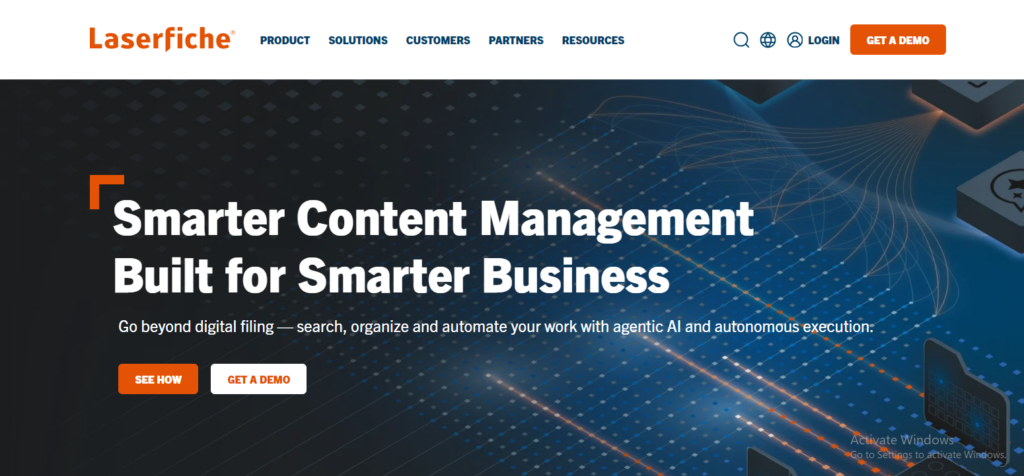
Laserfiche is an enterprise content management platform that combines document management, records management, and business process automation.
It helps organisations centralise their documents while automating repetitive tasks such as approvals, requests, and document routing.
Some of its capabilities include:
- Centralised document storage and organisation.
- Document capture and information extraction.
- Full-text and metadata-based search.
- Automated workflows and electronic forms.
- Records management and retention policies.
- Access controls and audit trails.
Laserfiche also offers AI-powered capabilities for extracting information, classifying documents, summarising content, and interacting with stored information.
The platform is particularly suitable for government institutions, financial organisations, and enterprises that handle large volumes of records and require structured document processes.
Microsoft SharePoint: Best for Document Collaboration and Microsoft 365 Integration
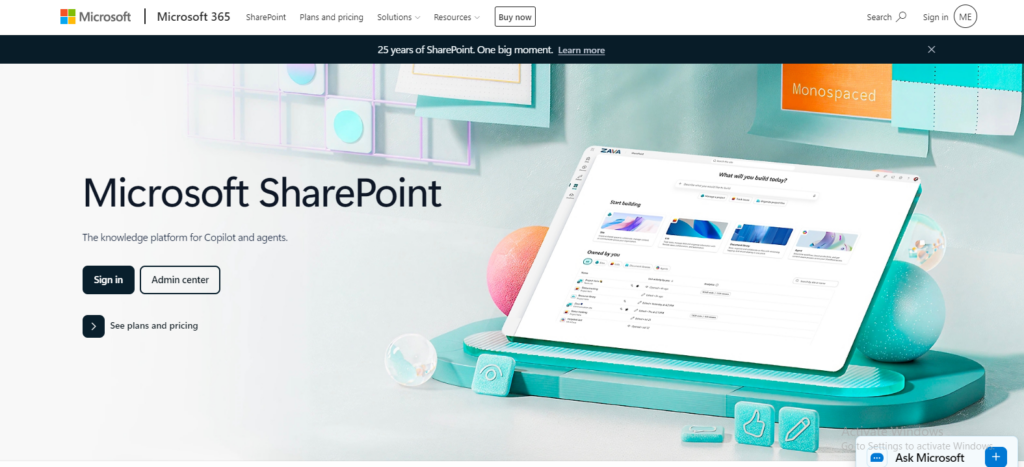
Microsoft SharePoint is a content management and collaboration platform that allows organisations to create document libraries, share files, and manage information across teams.
Its integration with Microsoft 365 makes it a convenient option for businesses already using applications such as Word, Excel, Teams, and Outlook.
Key capabilities include:
- Centralised document libraries.
- Document sharing and collaborative editing.
- Version history and document recovery.
- User permissions and access management.
- Integration with Microsoft 365 applications.
- Workflow automation through the Microsoft ecosystem.
SharePoint is particularly useful for organisations that need a shared workspace where employees can collaborate on documents, manage team files, and access organisational resources.
However, organisations looking primarily for dedicated document archiving and AI-powered retrieval should assess whether its configuration and available Microsoft 365 features meet those specific requirements.
Box: Best for Cloud-Based Document Management and Collaboration
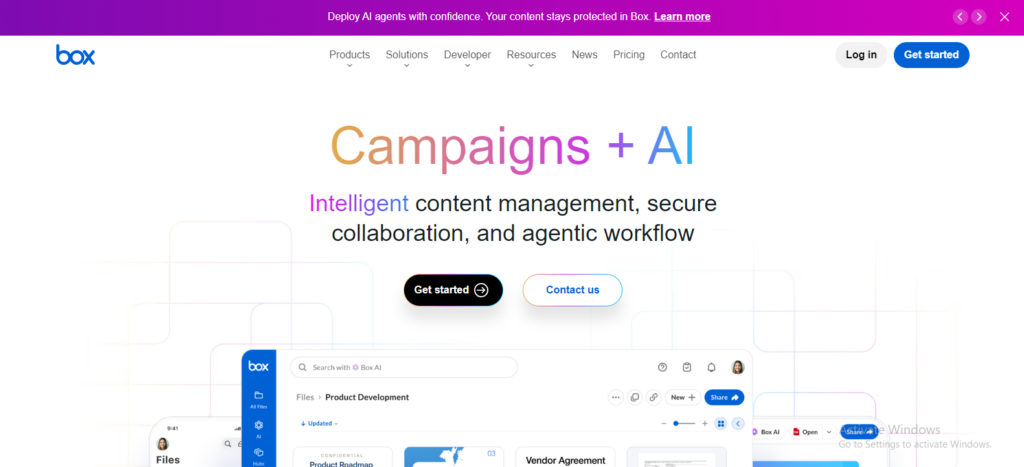
Box is a cloud-based content management platform designed to help organisations store, share, manage, and collaborate on digital files.
It provides a central location for business documents while supporting collaboration between employees, clients, and external partners.
Its key capabilities include:
- Cloud-based document storage.
- File sharing and collaboration.
- Document access controls and security management.
- Version history and content governance.
- Workflow automation.
- AI-powered document insights through Box AI.
Box AI can help users extract information from documents, ask questions about content, and generate insights from stored files. The availability of specific AI capabilities depends on the subscription plan.
Box is a suitable option for organisations that prioritise cloud accessibility, team collaboration, and managing business content across different locations.
Why Look for DocuWare Alternatives?
Although DocuWare offers several document management capabilities, it may not meet every organisation’s needs. Businesses may explore alternatives for several reasons:
- Different Document Management Requirements: Some organisations prioritise straightforward document archiving, file organisation, and information retrieval over complex workflow automation.
- Document Retrieval Challenges: Businesses managing large document collections may need better search tools to locate specific information without opening files individually.
- Deployment and Storage Preferences: Some organisations prefer cloud storage, while others want to keep documents on their own infrastructure.
- Ease of Use and Accessibility: Businesses may seek simpler platforms that make documents easier to organise, access, and manage.
- AI-Powered Document Search: AI-powered retrieval allows users to ask questions about archived records and find relevant information without manually searching through lengthy documents.
How to Choose the Best DocuWare Alternative for Your Organisation
Choosing a document management solution requires more than comparing feature lists.
You need a platform that fits how your organisation stores, accesses, and uses information.
Here are five factors to consider.
Identify Your Document Management Needs
Start by identifying the problems you want your new platform to solve.
For example, consider whether your organisation needs:
- Centralised document storage and archiving.
- Document collaboration and sharing.
- Automated approval workflows.
- AI-powered search and information retrieval.
- Document version management.
Understanding your priorities will help you avoid paying for features your organisation may not need.
Evaluate Search and Retrieval Capabilities
A good document management platform should make it easy to find both files and the information contained within them.
Consider whether the solution supports full-text search, metadata filtering, or AI-powered question answering. If your organisation manages lengthy reports, contracts, meeting minutes, or research documents, being able to locate specific information without opening multiple files can make a significant difference.
Consider Document Storage and Control
Think about where your organisation wants its documents stored and how much control you need over them.
Some platforms primarily offer cloud-based storage, while others support on-premises or hybrid deployment options.
Evaluate the available storage arrangements, data access policies, backup provisions, and whether the platform aligns with your organisation’s infrastructure requirements.
Examine Access Management and Audit Trails
Organisational documents often contain information that should only be accessible to authorised employees.
Look for solutions that provide:
- Role-based access permissions.
- User and administrator controls.
- Document activity tracking.
- Version history.
- Audit logs.
These capabilities help organisations maintain oversight of their records and understand how important documents are accessed and managed.
Assess Scalability and Ease of Adoption
Finally, consider whether the platform can support your organisation as its document collection and user base grow.
Evaluate its storage capacity, available plans, ease of use, integration options, and administrative requirements.
A solution should be straightforward enough for employees to adopt while providing the capabilities your organisation needs to manage its documents over time.
Why Consider Alkademy Dox for Smart Document Management?
Managing organisational records should not mean spending hours searching through folders and opening individual files to find information.
Alkademy Dox helps simplify this process by combining organised document archiving with AI-powered search and retrieval.
Here are some features that make it worth considering:

Organised Document Libraries
Alkademy Dox allows organisations to organise their records into structured document libraries. This makes it easier to group related files, manage different collections, and maintain a centralised archive for important organisational information.
Searchable Document Contents
Finding a document is only part of the challenge. Sometimes, you need a specific detail buried within a lengthy report or contract.
Alkademy Dox makes the contents of supported documents searchable, helping users locate relevant information without manually opening and reviewing every file.
AI-Powered Question Answering
With Alkademy Dox, users can ask questions about their archived documents and receive AI-generated answers with references to the relevant documents and pages.
This makes it easier to retrieve specific information from large document collections, particularly when employees need answers from reports, meeting minutes, policies, and other organisational records.
Document Version History
Keeping track of document changes is important when multiple versions of a record exist.
Alkademy Dox maintains document version history, allowing organisations to preserve earlier versions when updated files are uploaded. This makes it easier to track changes and refer back to previous records when needed.
Flexible Storage
Different organisations have different infrastructure and storage requirements. Alkademy Dox supports document storage on local servers and Amazon S3, giving organisations flexibility in how they maintain their archived files.
Role-Based Access and Audit Trails
Not everyone should have unrestricted access to organisational records. Alkademy Dox supports role-based access management, helping administrators control who can access and manage document libraries.
Its audit trail capabilities also help organisations track important activities, providing greater visibility into how records are managed.
FAQs
What Is the Best Alternative to DocuWare?
The best DocuWare alternative depends on your organisation’s document management requirements. Alkademy Dox is worth considering if you prioritise AI-powered document archiving, searchable document contents, and intelligent information retrieval. Other options include Revver, Laserfiche, Microsoft SharePoint, and Box, each offering different document management and collaboration capabilities.
Is There an AI-Powered Alternative to DocuWare?
Yes. Alkademy Dox is an AI-powered document archiving and retrieval solution. It allows users to ask questions about archived documents and receive answers with references to the relevant documents and pages. This helps organisations find information without manually searching through multiple files.
What Is the Difference Between Document Management and Document Archiving?
Document management involves organising, storing, accessing, sharing, and maintaining documents throughout their lifecycle. Document archiving focuses on preserving records for long-term storage, reference, and future retrieval. While both are related, archiving places greater emphasis on retaining important information and making it accessible when needed.
What Should I Look for When Choosing Document Management Software?
Consider document organisation, storage, full-text search, AI-powered retrieval, version history, access permissions, audit trails, scalability, and ease of use. The right combination depends on your organisation’s size, document volume, and operational requirements.
Can AI Help Organisations Find Information in Archived Documents?
Yes. AI can make archived information easier to access by allowing users to ask questions about document contents instead of relying entirely on manual searches. For example, an employee could ask for a specific decision recorded in meeting minutes or a particular detail contained in an archived report. AI-powered retrieval can identify relevant information and provide references to its source, depending on the platform’s capabilities.
Final Thoughts on The Best DocuWare Alternatives
Choosing the right DocuWare alternative comes down to understanding how your organisation manages and uses its documents. While some platforms focus on workflow automation and collaboration, others prioritise document archiving, search, and information retrieval.
If your organisation wants to make archived records easier to organise, search, and access, Alkademy Dox offers a practical approach. Its AI-powered question answering, searchable document libraries, version history, and flexible storage options help make organisational information more accessible.
Ready to make your organisation’s documents easier to manage and retrieve?
Explore Alkademy Dox and discover a smarter approach to AI-powered document archiving and retrieval.