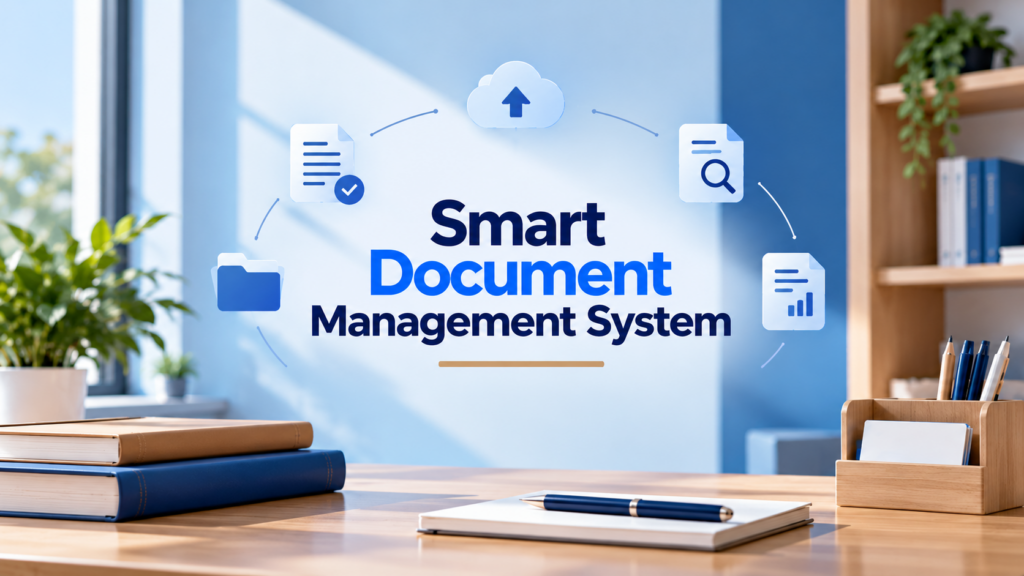
Discover how Alkademy Dox simplifies document management with a free smart document management system featuring searchable libraries, AI-powered answers, OCR, and version history.
TL;DR
- Smart document management helps organisations organise records and retrieve information faster.
- Alkademy Dox stores documents in searchable libraries.
- AI-powered answers link back to the source document and page.
- OCR makes supported scanned documents searchable.
- Version history, access roles, and audit trails support better document management.
Finding an important document should not mean searching through endless folders, opening multiple files, or asking colleagues where they saved something.
As organisations grow, managing policies, reports, meeting minutes, and other records can become increasingly difficult.
A smart document management system helps teams organise their records and find the information they need without relying entirely on manual filing. Features such as full-text search, optical character recognition (OCR), and AI-powered question answering make existing documents easier to use.
Alkademy Dox gives organisations a shared archive where they can organise documents into searchable libraries, ask questions about their contents, and trace answers back to the original document and page.
This helps teams spend less time looking for information and more time putting it to use.
Table of Contents
What Is a Smart Document Management System?
A smart document management system is a digital platform that helps organisations store, organise, search, and manage documents more effectively.
Unlike basic file storage, which primarily keeps files in one place, a smart system helps users find relevant information within those files.
Depending on the platform, its capabilities may include:
- Document libraries: Group related records into organised collections.
- Full-text search: Find information inside documents rather than relying only on filenames.
- AI-powered question answering: Ask questions about stored records and retrieve relevant information.
- Optical character recognition (OCR): Extract text from supported scanned documents and images.
- Version history: Retain earlier files when updated versions are uploaded.
- Access controls and audit trails: Assign user permissions and track important document activities.
Alkademy Dox brings several of these capabilities together in a smart document archive.
Users can search extracted document text, ask questions about their records, and follow answers back to the source page for verification.
Why Do Businesses Need a Smart Document Management System?
- Reduce time spent searching: As document volumes grow, employees can waste time navigating folders and reading lengthy files to find specific information. A smart document management system makes it easier to search document contents and retrieve relevant details.
- Make organisational knowledge easier to reuse: Policies, meeting minutes, reports, and procedures often contain information employees need for future tasks. Keeping these records organised and accessible helps teams avoid repeating work or relying on colleagues to locate information.
- Avoid confusion over document versions: Using outdated policies or reports can lead to errors. Document version history helps organisations retain earlier files and review previous records when needed.
- Improve accountability: Organisations need to control who can access documents and keep track of important activities. Role-based permissions and audit trails help establish clear responsibilities and improve oversight.
What Features Should a Free Smart Document Management System Have?
Choosing a free smart document management system involves looking beyond file storage.
The right platform should help employees organise records, find relevant information, manage updates, and access documents according to their responsibilities.
Document Organisation and Libraries
A good system should let organisations group documents into collections that reflect how their teams work. Libraries can be organised around departments, projects, record types, or business functions, making large archives easier to navigate.
Alkademy Dox uses named libraries to bring related records together in a shared, searchable archive.
Full-Text Search
Searching by filename is not always enough. Employees often need a specific clause, instruction, date, or passage buried inside a lengthy document.
Full-text search allows users to find information within extracted document text. Page references make it easier to locate relevant passages without reading every file from beginning to end.
AI-Assisted Question Answering
Searching for keywords may not always provide the context needed to answer a question. AI-assisted question answering allows users to ask questions in everyday language and retrieve relevant information from stored records.
For greater reliability, answers should identify their source documents and pages so users can check the original information rather than rely on an unsupported response.
Optical Character Recognition (OCR)
Scanned documents and image-based PDFs may contain text that cannot be searched directly. OCR extracts readable text from these files, making their contents available to search tools.
This is particularly useful for organisations working with scanned minutes, archived reports, printed forms, and older records.
Document Version History
Documents often change as policies are revised, projects progress, or new information becomes available. A document management system should preserve earlier versions so teams can refer to previous records when necessary.
Version history helps users identify earlier uploads and reduces the risk of losing access to important information when a file is updated.
Role-Based Access and Audit Trails
Not every employee needs the same level of access. A document management system should support different roles based on responsibilities and provide visibility into important activities.
Look for capabilities such as:
- Role-based permissions for different users.
- Records of document uploads, updates, and deletions.
- Visibility into membership changes.
- Administrative oversight of document activity.
These capabilities help organisations manage access more consistently and maintain accountability.
Flexible Storage Options
Organisations may have different infrastructure requirements and preferences for where their files are stored. A suitable system should offer storage options that align with those needs.
Depending on the platform, this could include local server storage or cloud object storage. It is also important to understand how document permissions, catalogue information, and activity records are managed alongside the files.
How Alkademy Dox Makes Document Management Smarter
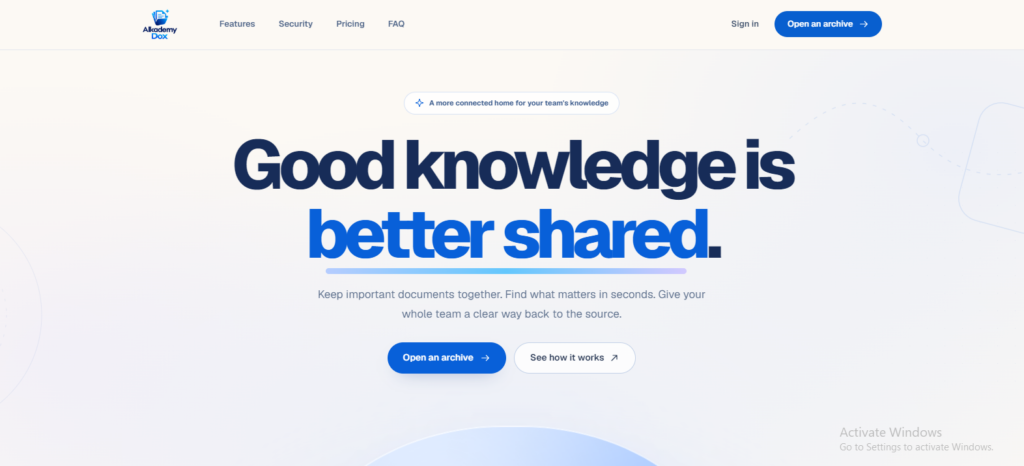
Alkademy Dox brings document organisation, searchable content, and source-linked question answering into one archive.
Instead of simply keeping files in storage, it helps teams retrieve useful information from their records while retaining access to the original sources.
Build a Shared Library of Organisational Knowledge
Alkademy Dox lets organisations group records into named libraries that employees can search and ask questions about.
This gives teams a shared place to keep policies, procedures, reports, meeting minutes, and other important documents.
Rather than relying on individual employees to remember where a file was saved, the organisation can make its records accessible through a central archive.
Find the Exact Information You Need
Alkademy Dox searches extracted text from stored documents, helping users locate relevant passages without depending only on filenames. Search results retain page references, making it easier to identify where the information appears.
The platform also supports OCR for scanned PDF pages and supported image files. This makes text from eligible image-based records searchable, subject to the product’s processing limits.
Ask Questions and Verify the Answers
With Alkademy Dox, users can ask questions about information stored in their archive and receive answers that identify the source document and page.
For example, a team member reviewing an internal policy could ask, “How long do we keep board minutes?” The answer points back to the relevant source, helping the user check the original wording and context.
This source-linked approach makes document question answering more useful when accuracy and verification matter.
Retain Earlier Files and Track Important Activity
When a later version of a document is uploaded, Alkademy Dox keeps the earlier file instead of discarding it. Its document panel lists version details, including filenames and processing states.
Administrators can also review audit records covering key activities such as uploads, versions, deletions, and membership changes. This provides greater visibility into how documents and archive access are managed.
Give Team Members Appropriate Access
Different employees have different responsibilities, so Alkademy Dox provides four organisation-level roles:
- Organisation administrator: Manages the organisation’s archive and membership.
- Document manager: Handles document management responsibilities.
- Contributor: Contributes documents to the archive.
- Viewer: Searches and reads available information.
These roles help organisations structure access according to what each person needs to do. A separate platform administrator manages the installation rather than serving as an organisation-level role.
Store Documents on Your Own Infrastructure or Amazon S3
Alkademy Dox supports local server storage and Amazon S3, including private MinIO buckets. Organisations can choose the option that best fits their existing infrastructure and storage requirements.
The document catalogue, permissions, and audit trail remain in Alkademy Dox, keeping document management information connected to the archive even when files are stored using these different options.
Who Can Benefit from Alkademy Dox?
Alkademy Dox is designed for organisations that need a reliable way to organise records and retrieve information from them.
Its searchable libraries and source-linked answers can support teams that work with large collections of documents or regularly need to revisit earlier records.
Records Offices
Records offices manage policies, procedures, official correspondence, and other important documents. Alkademy Dox helps staff organise these records into searchable libraries and find relevant passages without manually reviewing every file.
Board Secretariats
Board secretariats handle meeting minutes, working papers, resolutions, and other governance records. With Alkademy Dox, teams can organise these documents in one archive, search their contents, and retain earlier versions when updated files are uploaded.
Legal Teams
Legal professionals often need to locate specific clauses, review agreements, or retrieve information from lengthy documents. Alkademy Dox allows teams to search stored document text and ask questions about their records, with answers linked to the original document and page for verification.
Research Groups
Research teams work with papers, reports, and other reference materials that may contain useful information across multiple files. Alkademy Dox helps researchers search document contents and locate relevant passages without opening every paper individually.
Organisations Managing Shared Knowledge
Businesses need employees to access internal guides, project records, procedures, and other information beyond their immediate teams. Alkademy Dox provides a shared archive with role-based access, helping organisations make their existing knowledge easier to find and reuse.
How to Get Started with Alkademy Dox

Getting started with Alkademy Dox involves organising your records, uploading supported files, and helping team members retrieve information effectively.
Step 1: Open an Archive
Visit Alkademy Dox to explore the platform and open an archive. Start with a collection of documents your team regularly needs, such as policies, meeting minutes, or project records.
Step 2: Create Libraries for Your Records
Group documents into named libraries based on departments, projects, document types, or business functions. A clear structure makes the archive easier for employees to navigate and search.
Step 3: Upload Supported Files
Alkademy Dox supports PDF, Word, plain text, Markdown, JPG, PNG, and TIFF files, with a maximum file size of 25 MB.
For scanned PDFs and supported images, OCR can extract text for searching, subject to the platform’s processing limits. Organising your files before uploading can also make the archive easier to manage.
Step 4: Set Up Team Roles
Assign roles according to each person’s responsibilities. Alkademy Dox supports organisation administrators, document managers, contributors, and viewers.
Giving team members appropriate roles helps establish clear responsibilities for managing documents and accessing the archive.
Step 5: Test Search and Question Answering
Search for information your team regularly needs, then try asking questions about the documents in the archive. Check the returned source documents and page references to confirm that the information answers your question accurately.
Testing with real workplace questions helps you understand how the archive can support everyday tasks.
Step 6: Choose a Storage Option
Alkademy Dox supports local server storage and Amazon S3, including private MinIO buckets. Choose the option that fits your organisation’s infrastructure and storage requirements.
Review your setup as your archive grows so that document organisation, user access, and storage continue to meet your team’s needs.
FAQs
What Is a Smart Document Management System?
A smart document management system helps organisations organise, search, and manage digital records. Depending on its features, it can support full-text search, OCR, AI-assisted question answering, version history, and access controls.
How Does Alkademy Dox Help Users Find Information in Documents?
Alkademy Dox organises records into searchable libraries and lets users search extracted document text. Users can also ask questions and receive answers that identify the source document and page, making it easier to verify information.
Can Alkademy Dox Search Scanned Documents?
Yes. Alkademy Dox uses OCR to extract text from supported scanned PDF pages and image files, making that content searchable within the archive. Processing is subject to the platform’s file and OCR limits.
Does Alkademy Dox Keep Previous Document Versions?
Yes. When a later version is uploaded, Alkademy Dox retains the earlier file. The document panel displays version details, including filenames and processing states.
Where Can Organisations Store Files with Alkademy Dox?
Organisations can store files on their own server or use Amazon S3, including private MinIO buckets. The document catalogue, permissions, and audit trail remain in Alkademy Dox.
What Is the Best Free Smart Document Management System?
Alkademy Dox is an option for organisations looking for a free smart document management system. Its free plan supports up to 100 documents in one searchable library, 1 GB of storage, and 50 questions per month. Teams can organise records, search document text, and ask questions with answers linked to their source pages, making it easier to find and verify information.
Final Thoughts Smart Document Management System
Managing documents effectively means more than keeping files in one place.
Organisations need to find information quickly, verify its source, preserve earlier records, and ensure employees have appropriate access.
A smart document management system can make this easier through searchable libraries, OCR, source-linked answers, version history, and access controls. Alkademy Dox brings these capabilities together to help teams make better use of their existing records and shared knowledge.
Ready to make your organisation’s documents easier to find and manage? Explore Alkademy Dox or request a demo to see how it works.